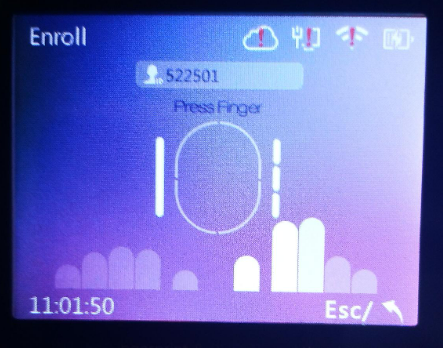


How to modify user’s fingerprint in biometric device
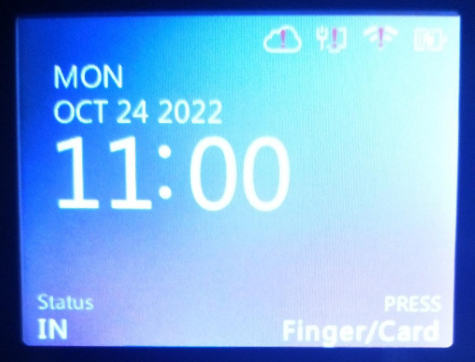
- From the homepage menu,
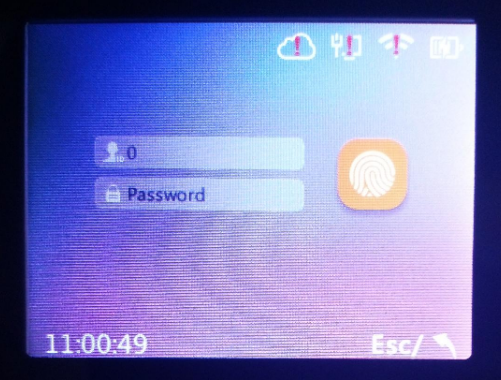
- Press “M←” and input the Admin username and password to go to Main Menu
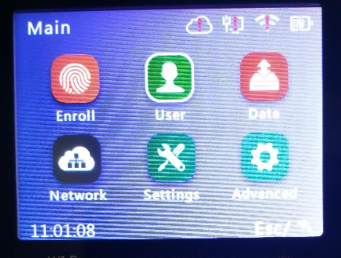
- On the Main Menu, choose “User”
- You will redirect to the User Menu, choose “Modify”
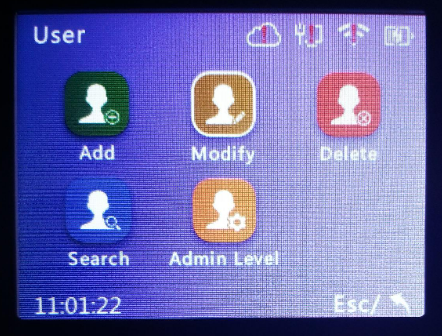
- To modify the user’s fingerprint, input the User ID
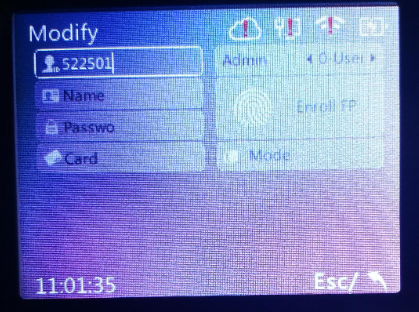
- Then, press “OUT/→” to move the field until the “Enroll FP” and press “OK”
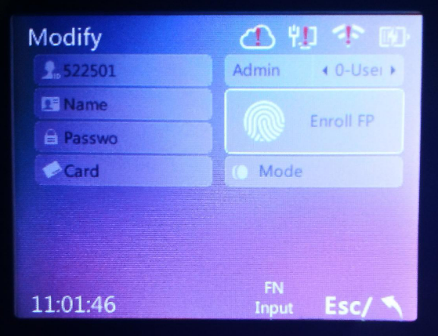
- Enroll the user’s fingerprint