

How to Bulk Add Employees / Import Employees
- Log-in to Admin dashboard.
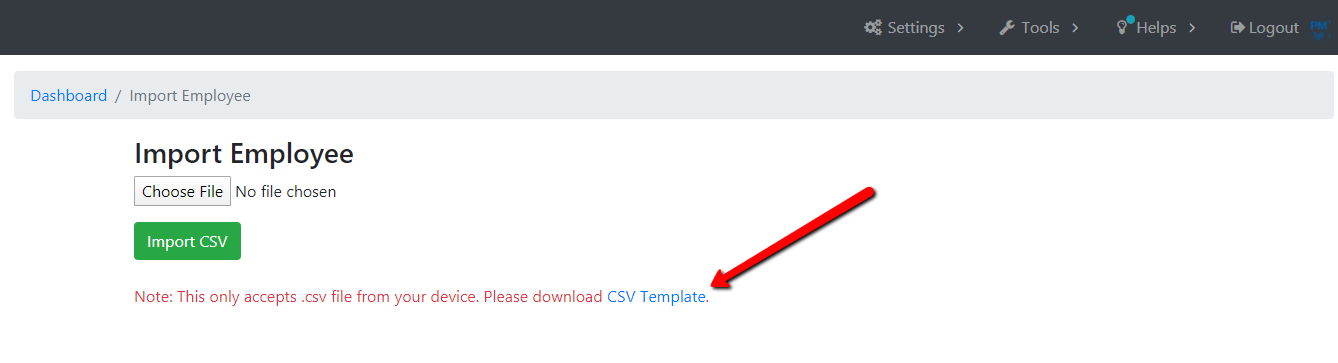
- Click Tools > Import Employees.

- Click download .csv template.
- Fill-out csv file with the necessary information and save.

- Drag and drop csv file and click Import CSV.

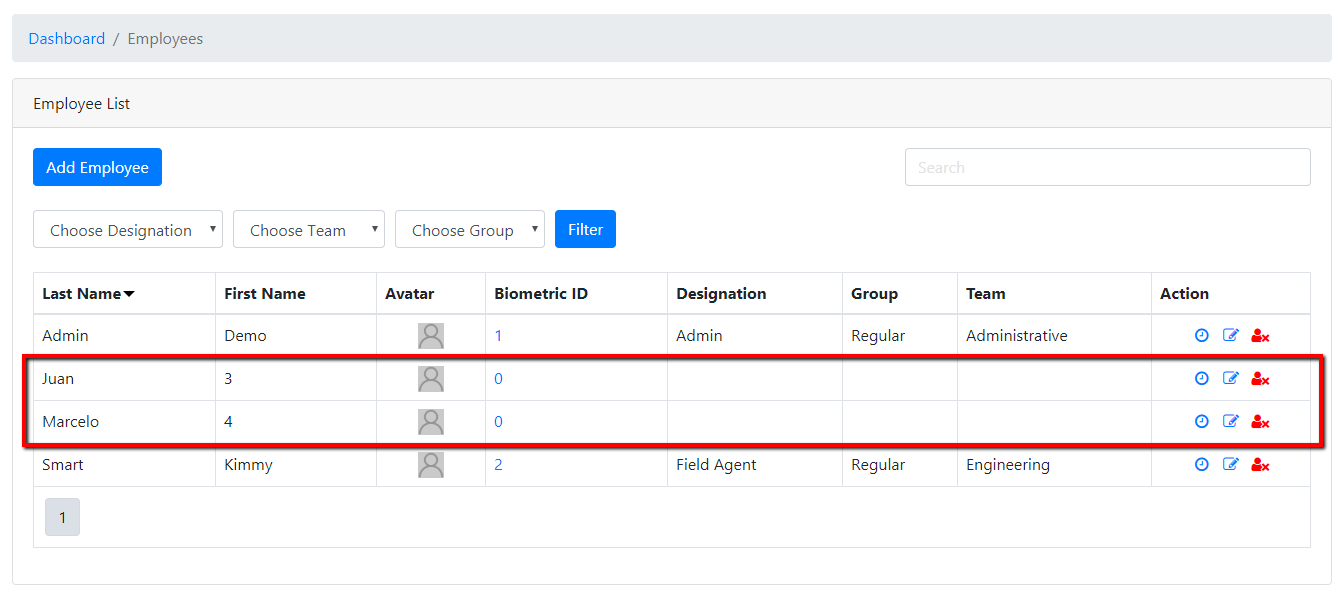
- You will now see your newly added employees on your employee list.